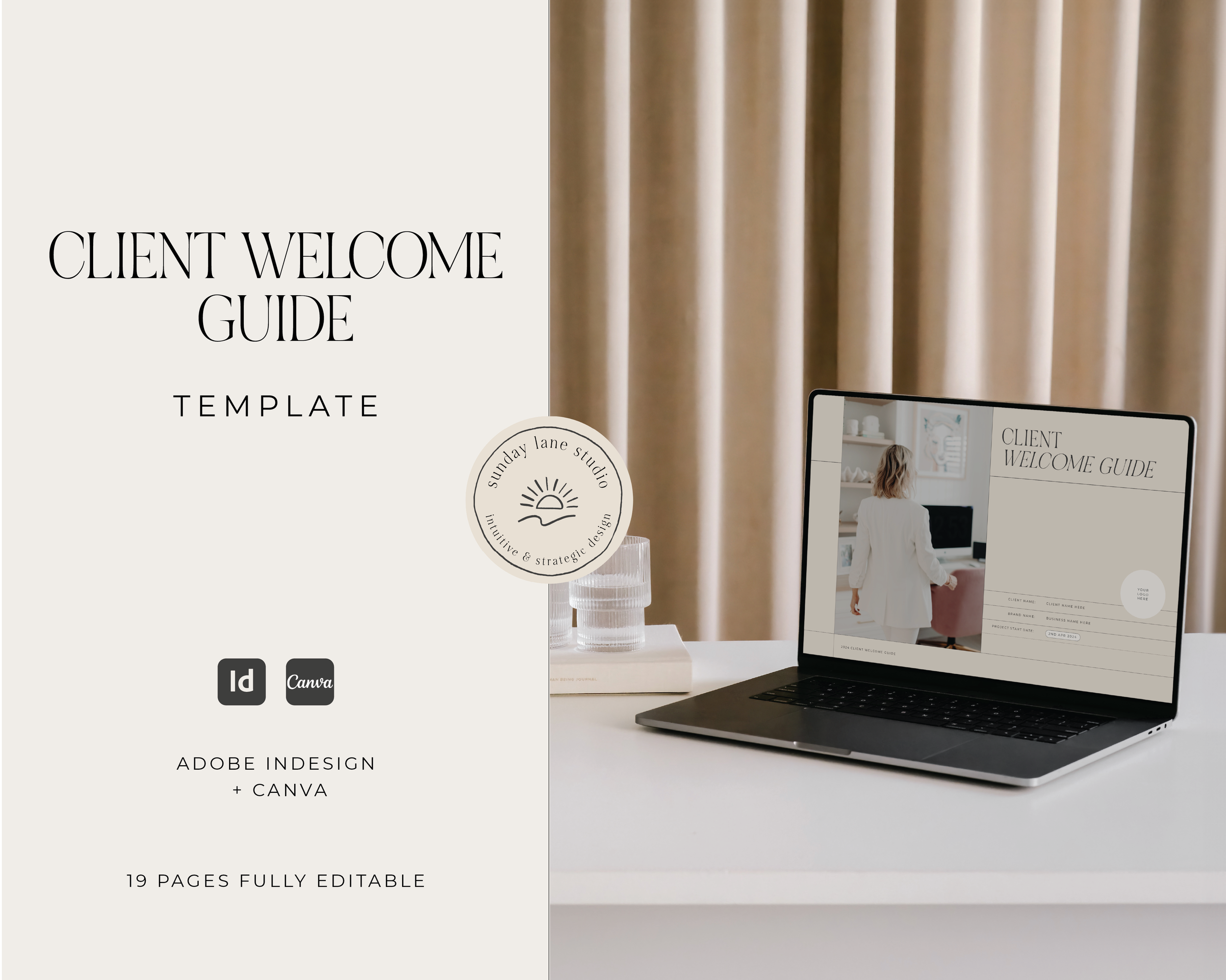
Classic Branding Implementation Guide Template for Designers.
This template is fully customisable in Canva, Adobe InDesign, and Adobe Illustrator.
Looking to elevate your client experience and create a seamless brand handover process? Look no further! Professionally designed by Sunday Lane Studio, our Branding Implementation Guide Template has been thoughtfully created to help you save time, add value to your client process, and guide your clients on exactly how to confidently use their new branding assets.
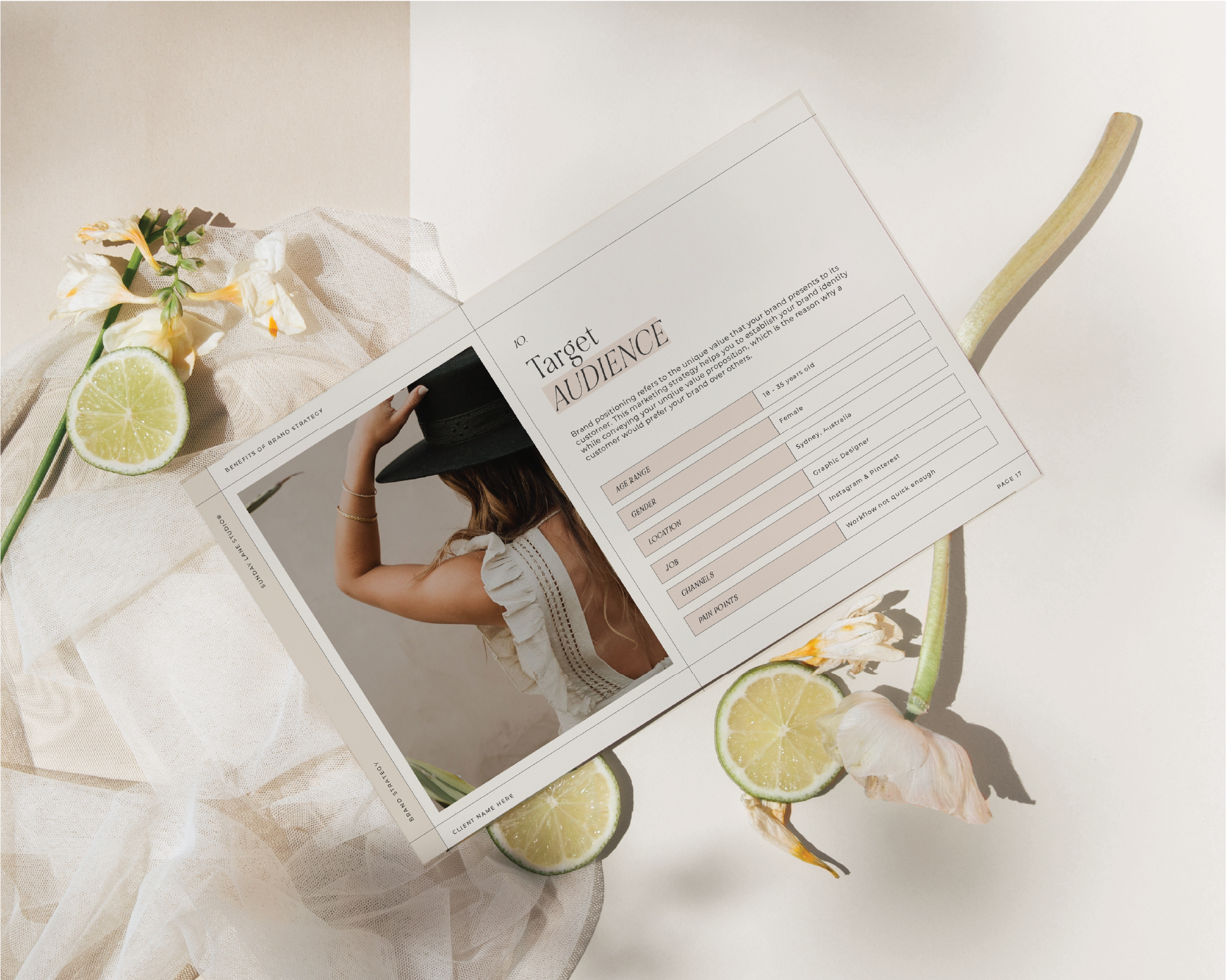
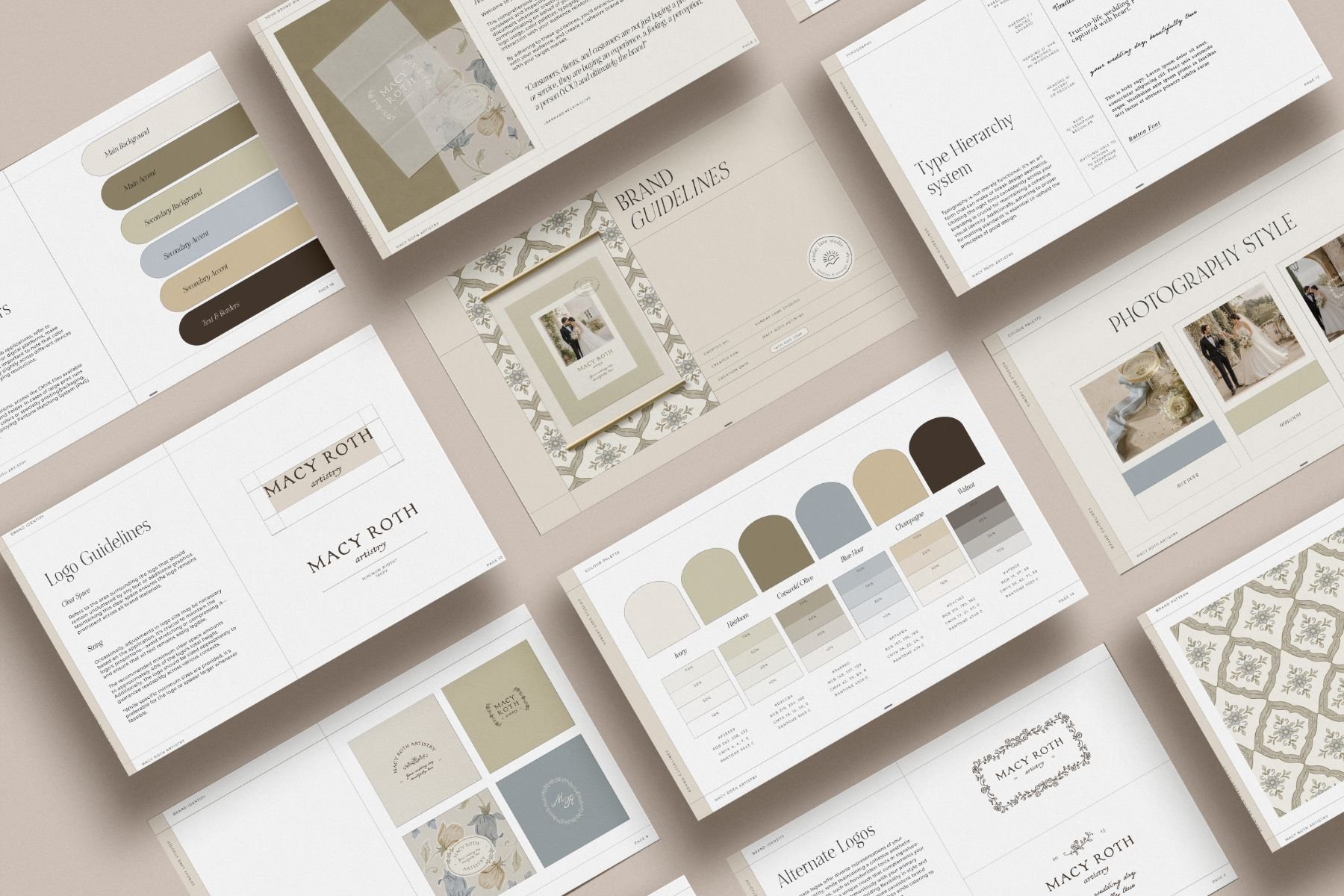
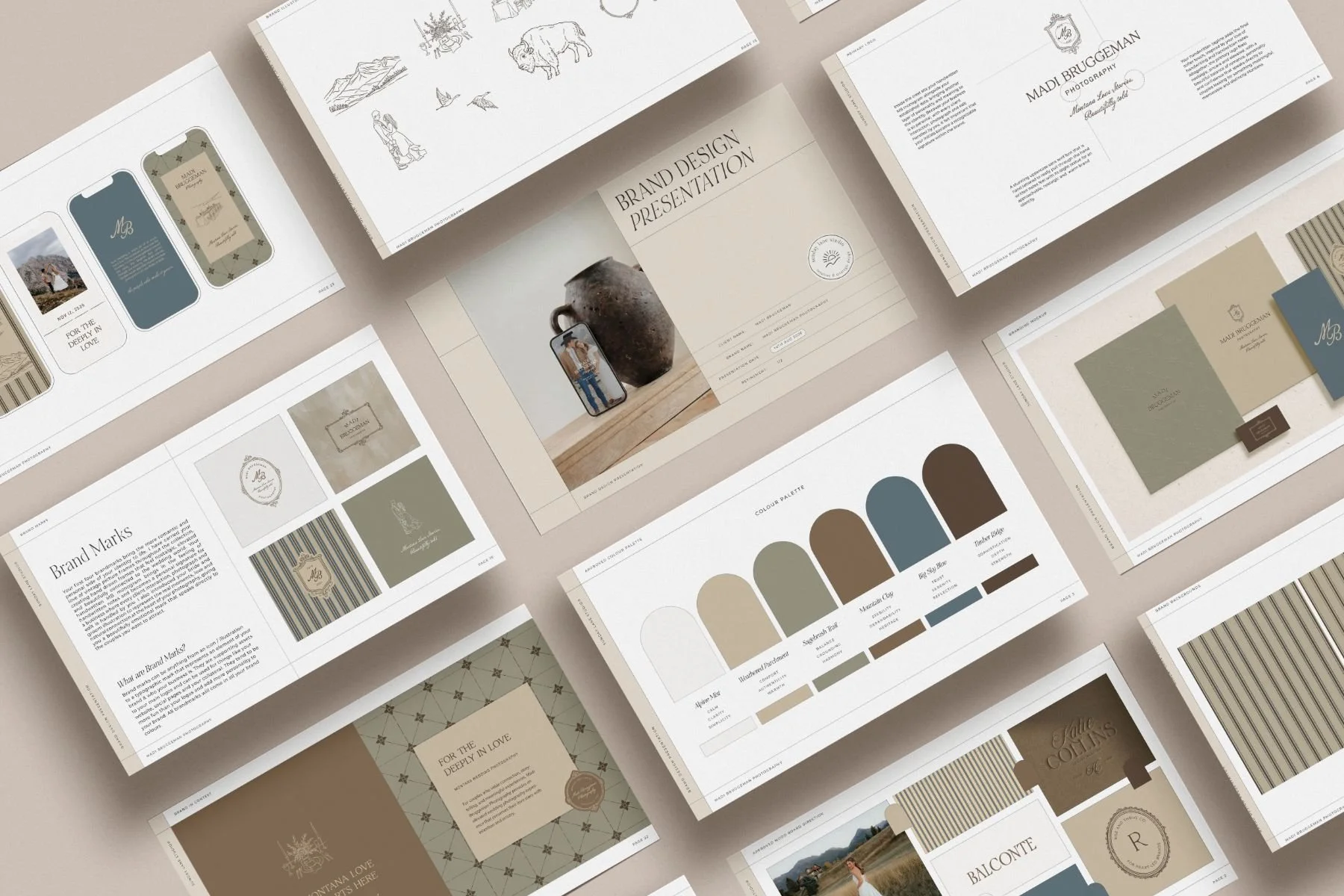
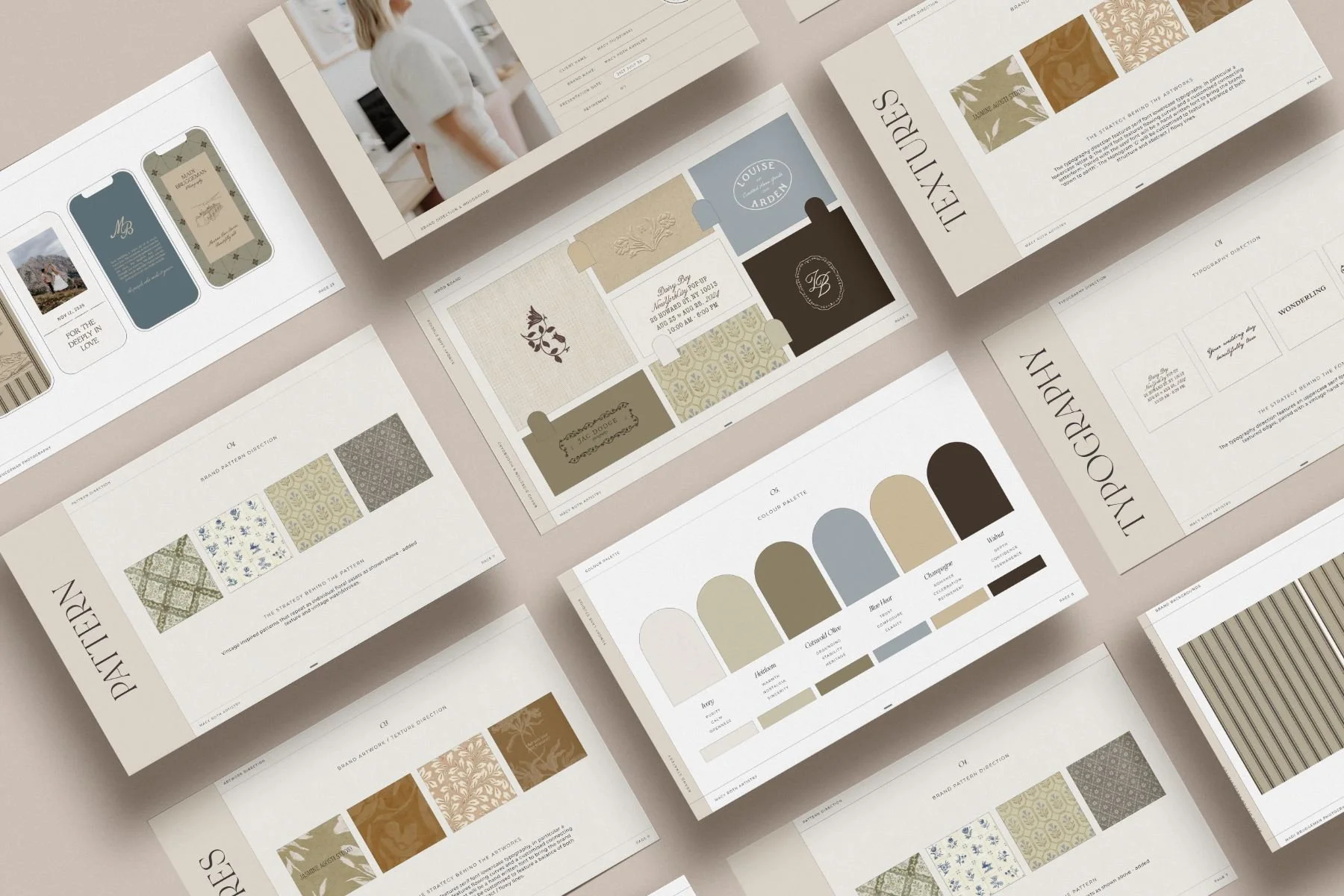
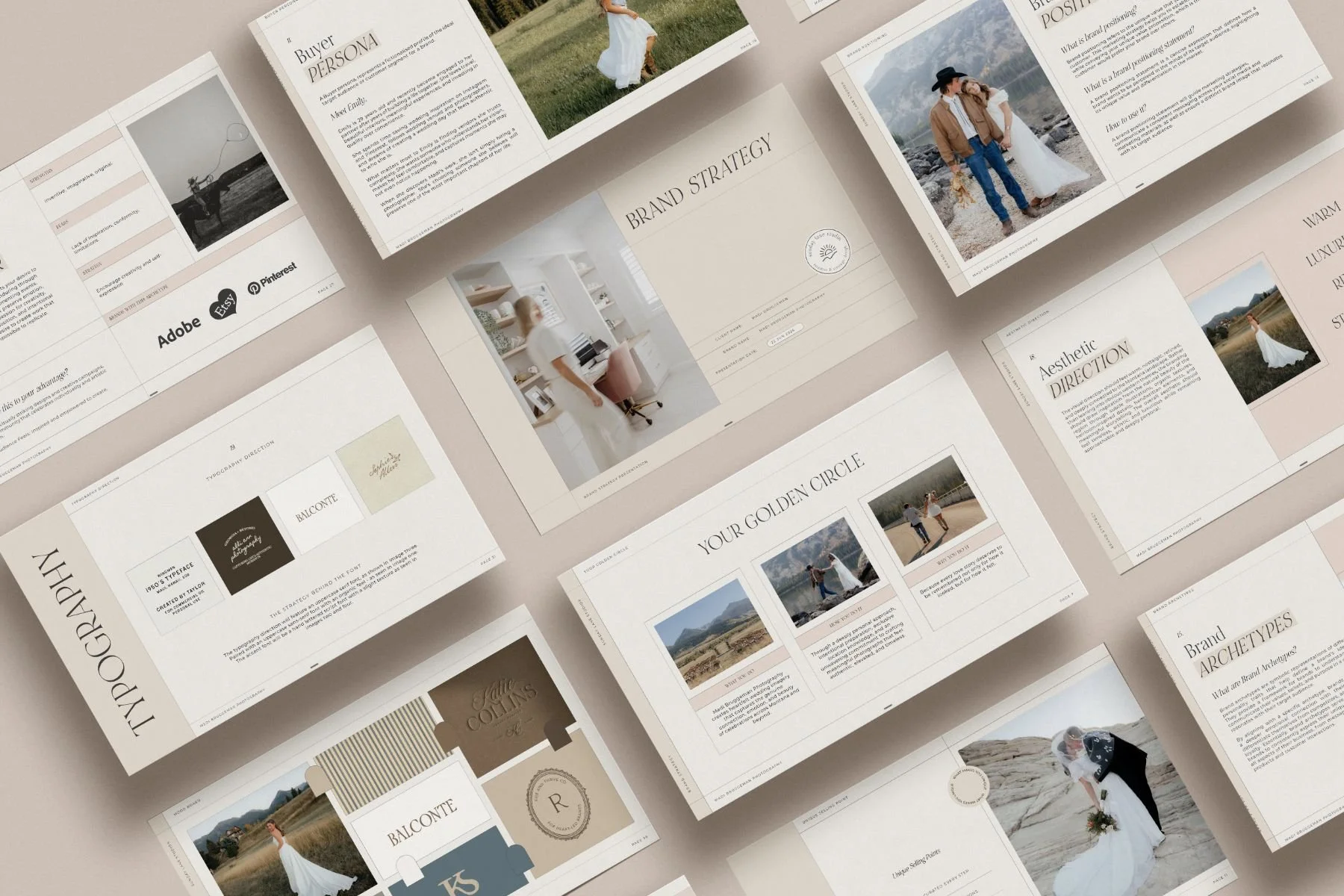
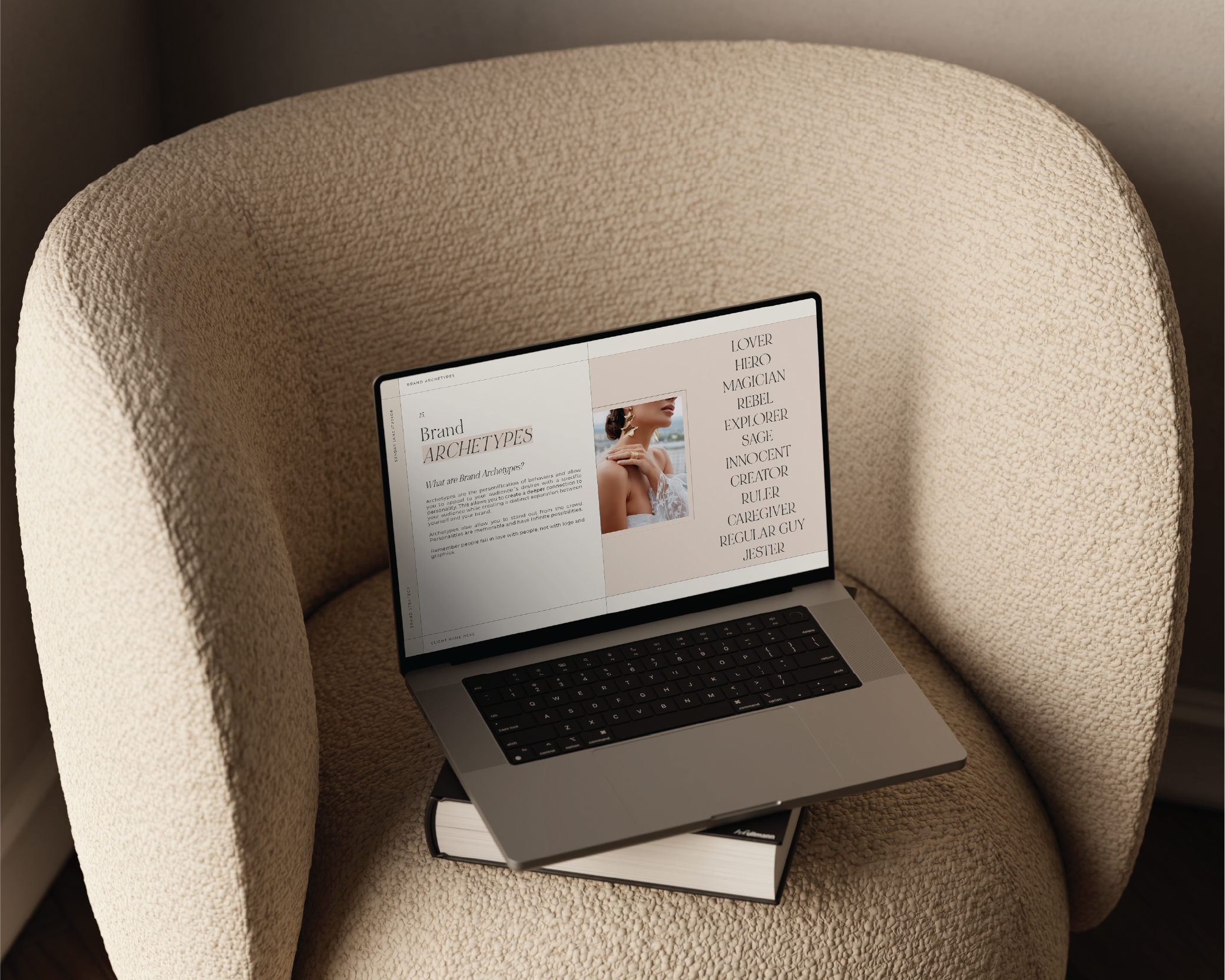
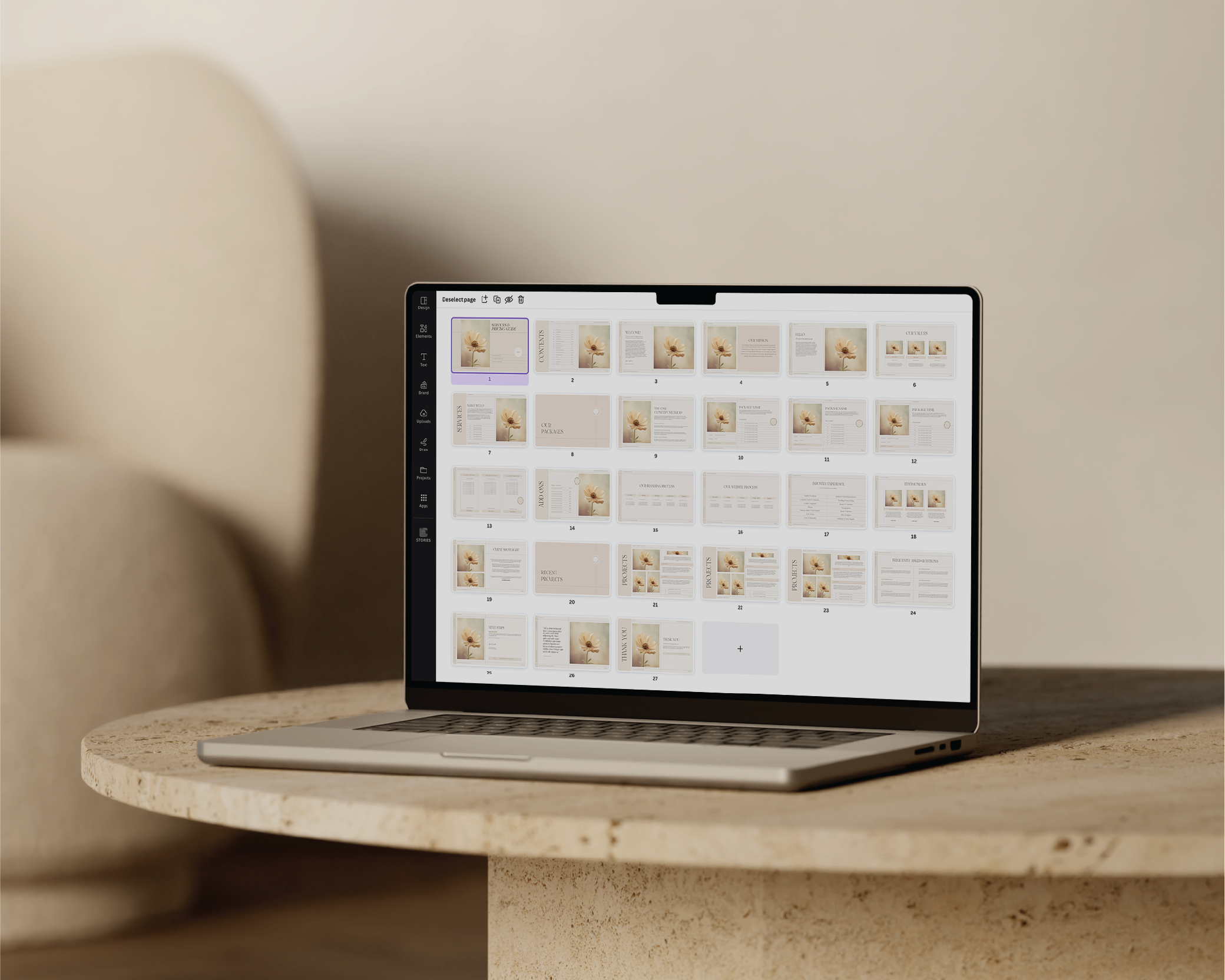
This comprehensive template includes beautifully designed pages created in Adobe InDesign and fully editable within InDesign. Each page has been carefully designed to feel elevated, professional, and easy for clients to understand while walking them through everything from file types and folder structures through to practical implementation checklists and brand growth ideas.
No Lorem Ipsum placeholder text here! This template includes real placeholder copy and guidance prompts to help you customise the guide to suit your own studio process and client experience.
Rather than simply delivering a folder of files and hoping your client knows what to do next, this guide helps remove overwhelm and gives your clients a clear roadmap for implementing their new branding with confidence.
PAGES INCLUDED:
• Welcome Page
• Contents Page
• Folder Structure Guide
• Understanding Your Files
• Understanding Colour Guides
• Printing Guide
• Brand Launch Checklist
• Canva Brand Kit Setup
• Social Media Implementation
• Website Implementation
• Profile & Platform Updates
• Collateral Implementation
• Physical Spaces & Signage
• Brand Awareness Guide
• Creating an Unforgettable Brand Experience
• Photography & Image Direction
• Common Branding Mistakes
• Support / Final Notes Page
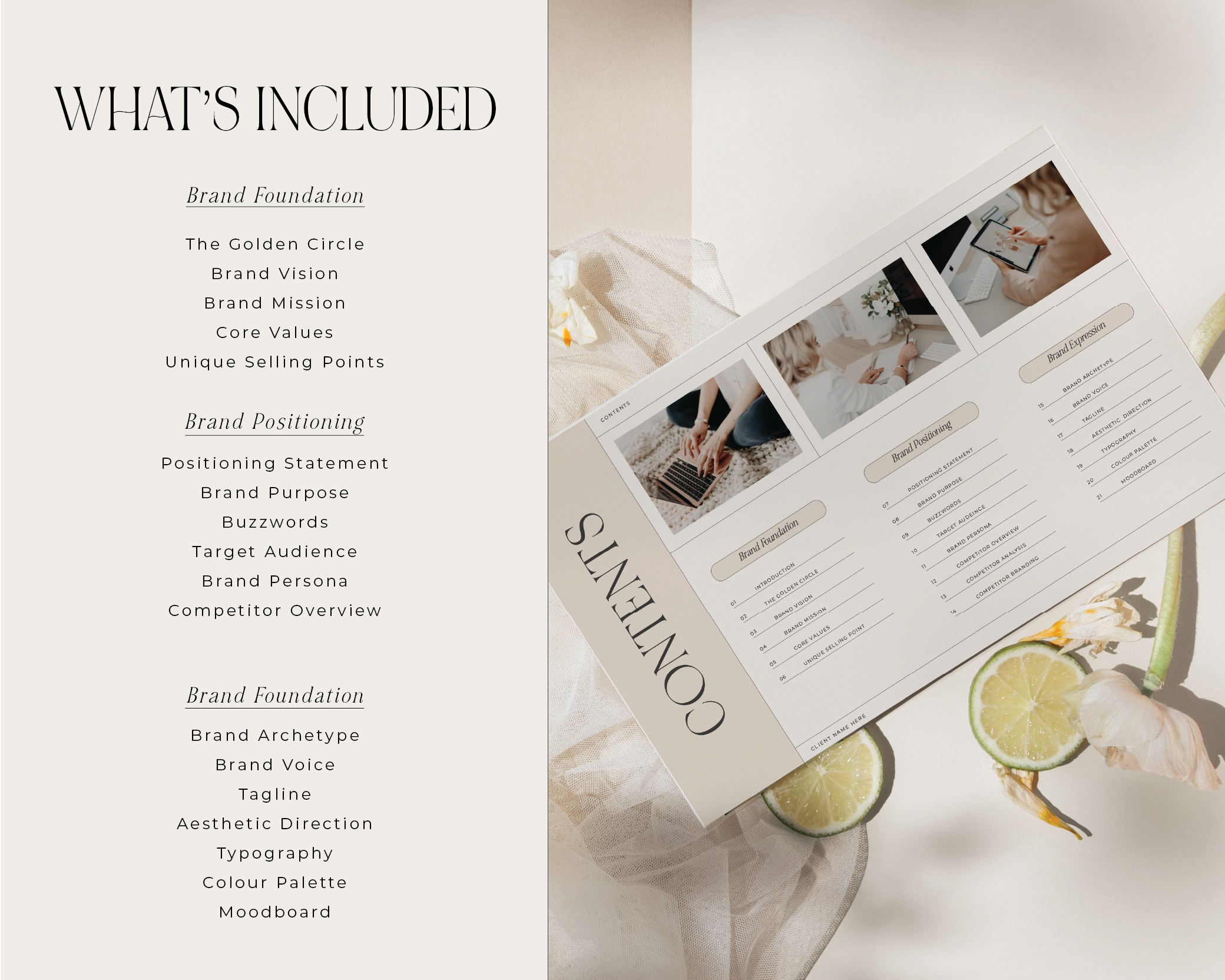
WHAT'S INCLUDED:
• A PDF document with a link to the Google Drive containing all files and links
• Fully customisable pages within InDesign
• Landscape orientation
• Links to download the exact fonts used
• Real copy prompts and guidance text throughout the template
• Designed to elevate your client experience and save you hours of work
HOW IT WORKS:
• You will receive a PDF File containing:
• A Link to the Google Drive that contains the following folders:
• Adobe Indesign File
• A Link to download / purchase the fonts used
PLEASE NOTE:
• Adobe Indesign is required to edit the Indesign File - You will need a basic understanding of this software in order to customise the template.
• Fonts are NOT included in the download - however, links have been provided to download / purchase the fonts should you wish to use the same ones.
• Images and Photographs are NOT included.
• You can easily change all fonts, elements, shapes etc to be as per your brand colours, fonts and elements.
• These templates are for personal use only.
• The templates, even if modified, cannot be re-sold, redistributed, or claimed as your own.
• The sale of this product is not affiliated with Canva or Adobe in any official way.
• Because this is a digital product there are no refunds or exchanges and all sales are final.
If you have any questions, please feel free to contact me at Sandra@sundaylanestudio.com.au I'd be happy to help!
Classic Branding Implementation Guide Template for Designers.
This template is fully customisable in Canva, Adobe InDesign, and Adobe Illustrator.
Looking to elevate your client experience and create a seamless brand handover process? Look no further! Professionally designed by Sunday Lane Studio, our Branding Implementation Guide Template has been thoughtfully created to help you save time, add value to your client process, and guide your clients on exactly how to confidently use their new branding assets.
This comprehensive template includes beautifully designed pages created in Adobe InDesign and fully editable within InDesign. Each page has been carefully designed to feel elevated, professional, and easy for clients to understand while walking them through everything from file types and folder structures through to practical implementation checklists and brand growth ideas.
No Lorem Ipsum placeholder text here! This template includes real placeholder copy and guidance prompts to help you customise the guide to suit your own studio process and client experience.
Rather than simply delivering a folder of files and hoping your client knows what to do next, this guide helps remove overwhelm and gives your clients a clear roadmap for implementing their new branding with confidence.
PAGES INCLUDED:
• Welcome Page
• Contents Page
• Folder Structure Guide
• Understanding Your Files
• Understanding Colour Guides
• Printing Guide
• Brand Launch Checklist
• Canva Brand Kit Setup
• Social Media Implementation
• Website Implementation
• Profile & Platform Updates
• Collateral Implementation
• Physical Spaces & Signage
• Brand Awareness Guide
• Creating an Unforgettable Brand Experience
• Photography & Image Direction
• Common Branding Mistakes
• Support / Final Notes Page
WHAT'S INCLUDED:
• A PDF document with a link to the Google Drive containing all files and links
• Fully customisable pages within InDesign
• Landscape orientation
• Links to download the exact fonts used
• Real copy prompts and guidance text throughout the template
• Designed to elevate your client experience and save you hours of work
HOW IT WORKS:
• You will receive a PDF File containing:
• A Link to the Google Drive that contains the following folders:
• Adobe Indesign File
• A Link to download / purchase the fonts used
PLEASE NOTE:
• Adobe Indesign is required to edit the Indesign File - You will need a basic understanding of this software in order to customise the template.
• Fonts are NOT included in the download - however, links have been provided to download / purchase the fonts should you wish to use the same ones.
• Images and Photographs are NOT included.
• You can easily change all fonts, elements, shapes etc to be as per your brand colours, fonts and elements.
• These templates are for personal use only.
• The templates, even if modified, cannot be re-sold, redistributed, or claimed as your own.
• The sale of this product is not affiliated with Canva or Adobe in any official way.
• Because this is a digital product there are no refunds or exchanges and all sales are final.
If you have any questions, please feel free to contact me at Sandra@sundaylanestudio.com.au I'd be happy to help!

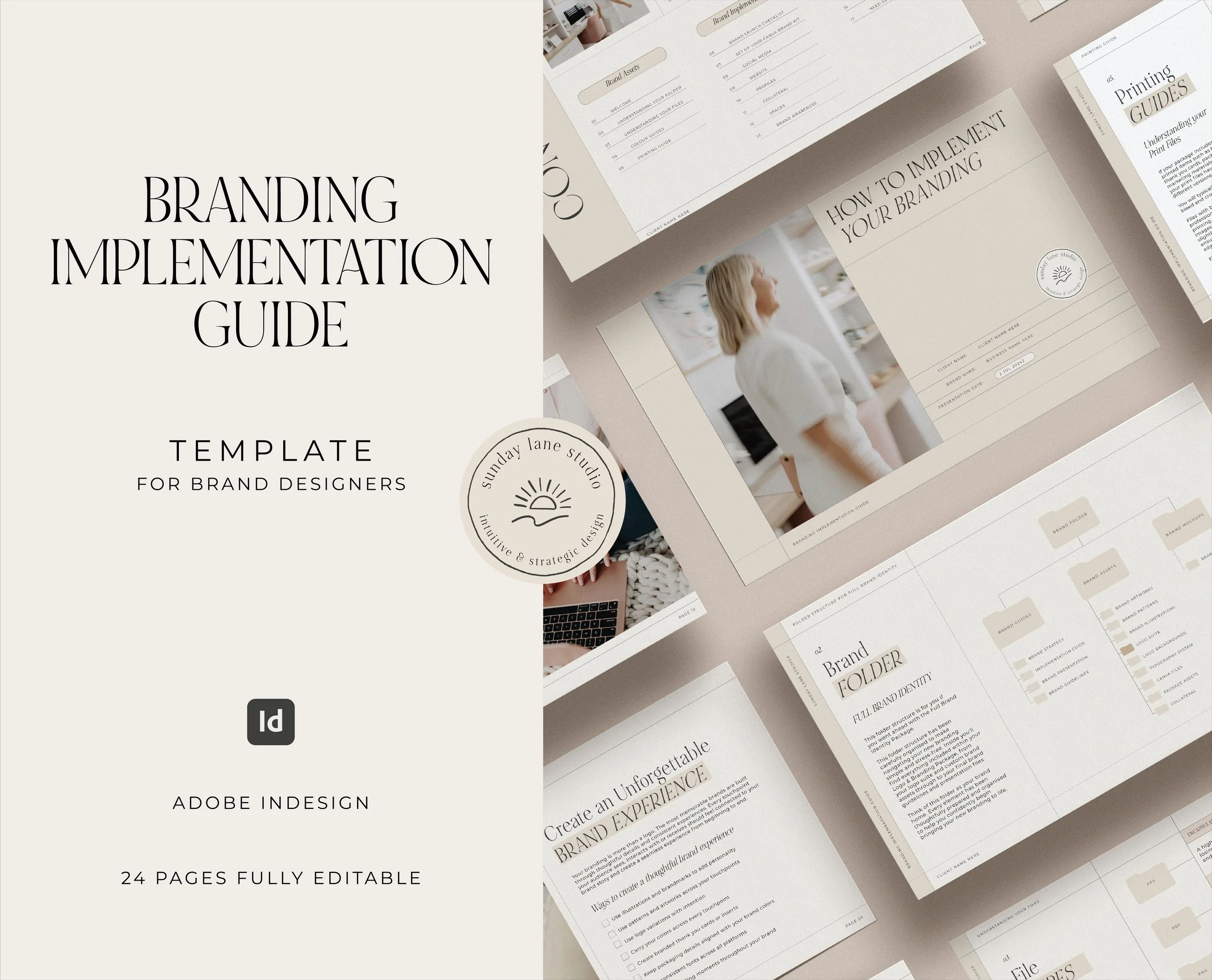 Image 1 of 4
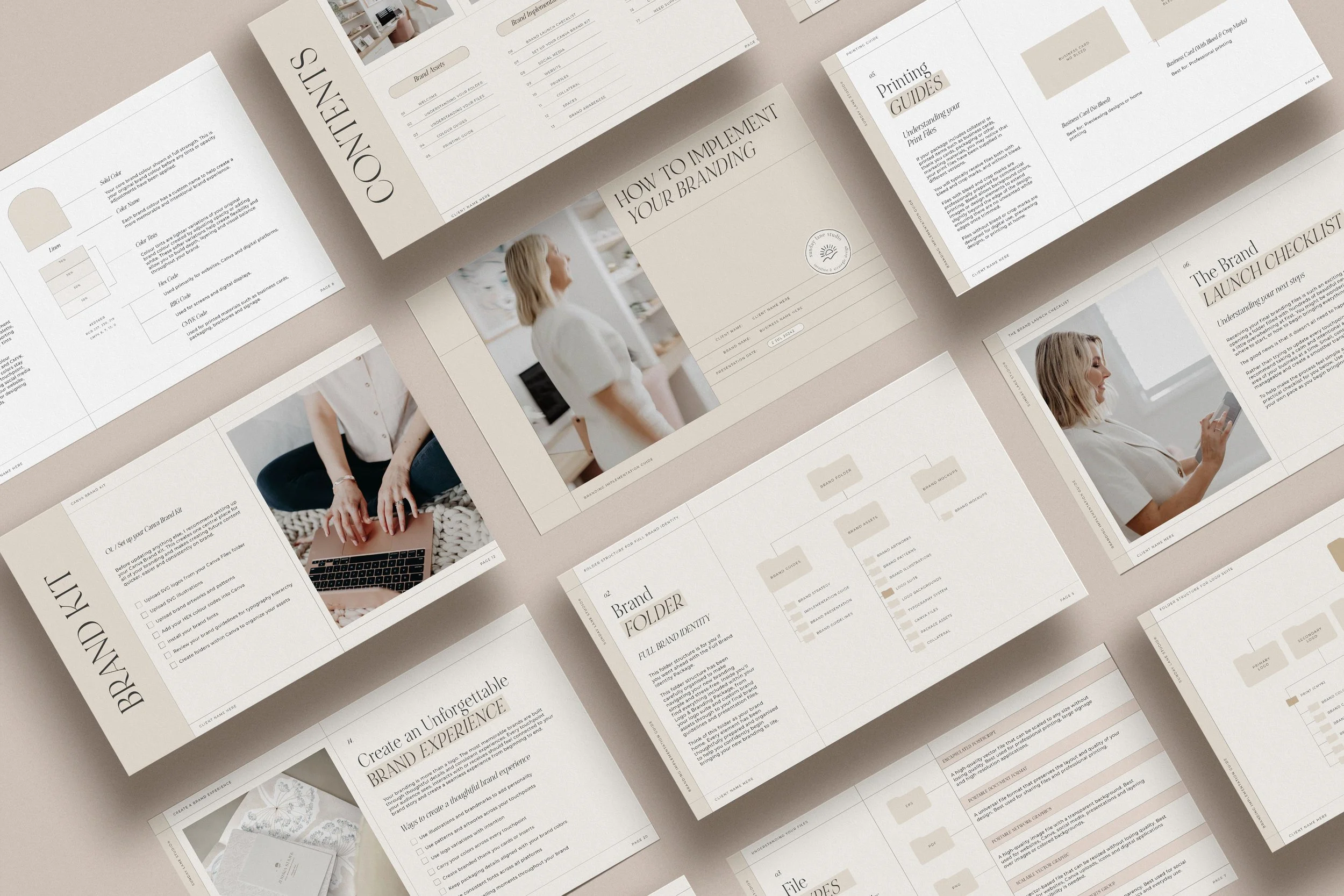 Image 2 of 4
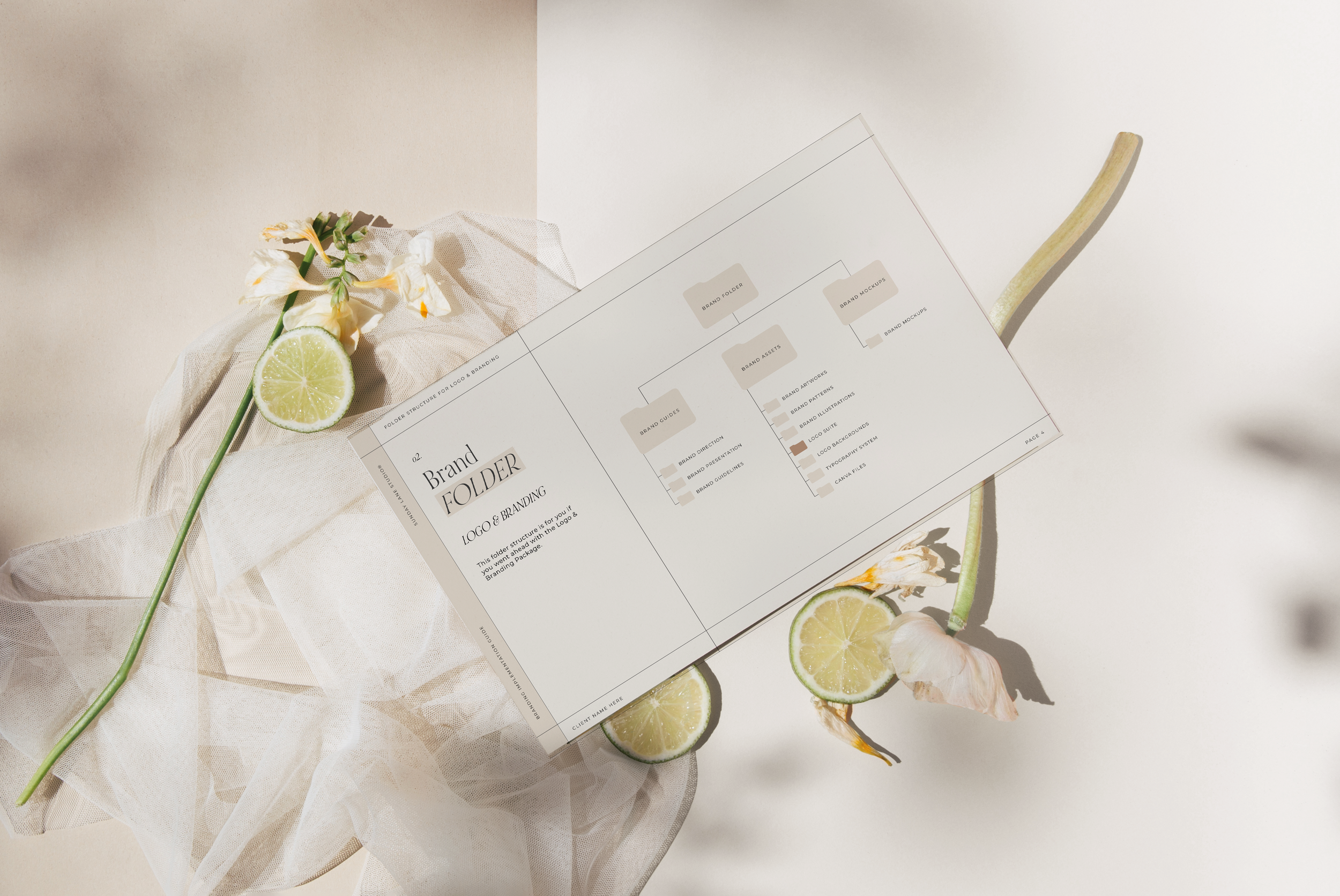 Image 3 of 4
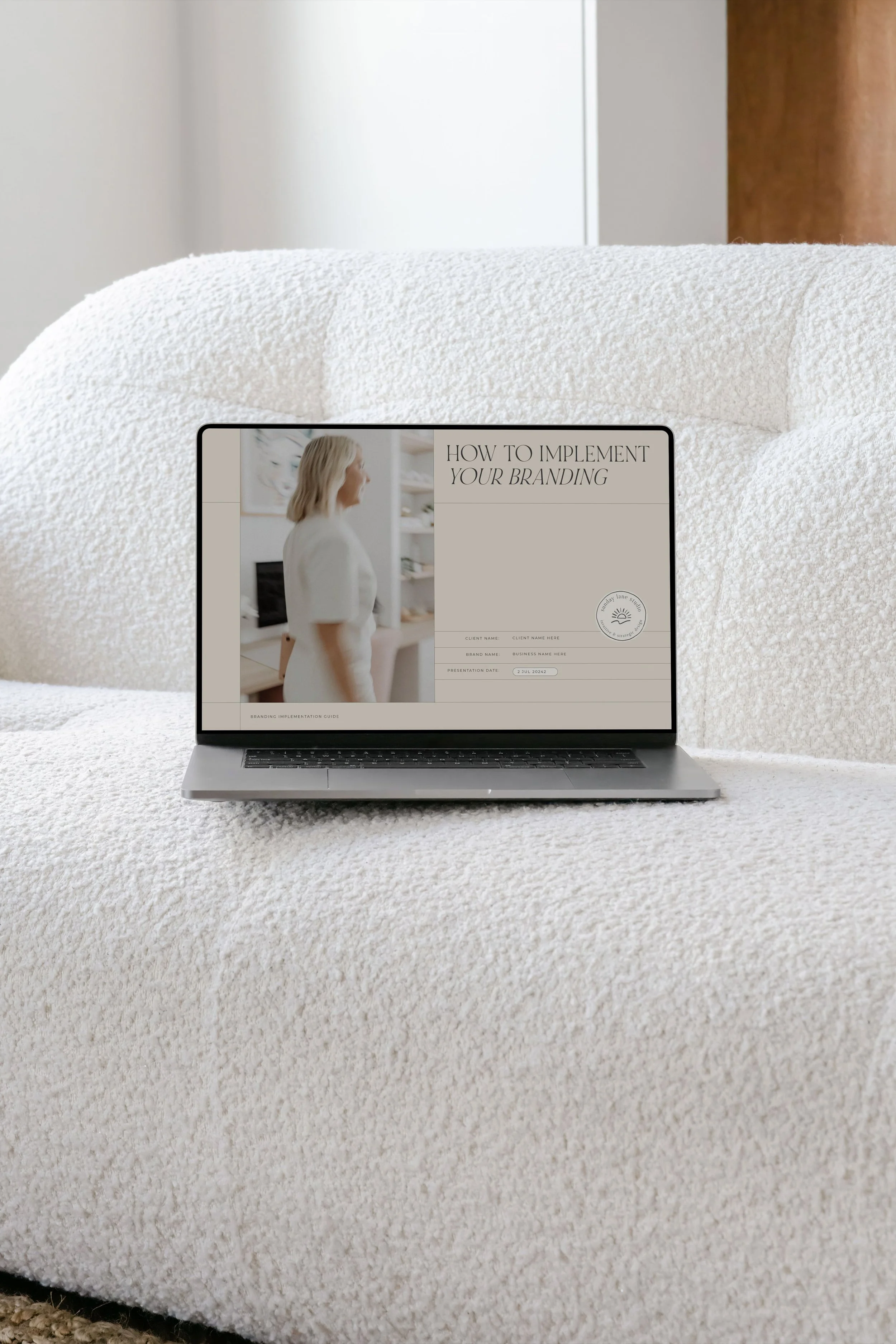 Image 4 of 4